
Dolores County Traffic Court Records
Dolores County Court, Division A, handles class T traffic cases. These come back on state and county citations. The Clerk of Court at Dolores Combined Court keeps those case files. A ticket written under a town code is different. It can instead belong to Dove Creek Municipal Court or Rico Municipal Court. Whatever sits in the ticket's court box decides the first search step.
A traffic docket can show the case number, the charge or citation filing, the plea, scheduled events, disposition, court costs. Setting details appear where public. The free statewide docket exposes only the scheduled-event slice. For the dated case history, ask for a Register of Action. The Dolores County clerk can supply the ticket, the disposition, a sentence order. A certified paper copy is available too.
Dolores Traffic Tickets Take Three Paths
Three official paths exist, and their portals do not cross-search. A state or county citation runs through Dolores County Court. The Colorado Judicial payment system handles its online payment. A Dove Creek town ticket belongs to Dove Creek Municipal Court. A Rico town ticket belongs to Rico Municipal Court.
| Citation Path | Court | Online Function |
|---|---|---|
| State or county | Dolores County Court | State docket search and Judicial Online Payments |
| Dove Creek municipal | Dove Creek Municipal Court | SIPA PayPort payment only |
| Rico municipal | Rico Municipal Court | SIPA PayPort payment only |
Neither town publishes a name or citation-status database. The PayPorts take a payment and nothing more. No town docket, court calendar, document image, or contest form comes out of them.
Looking Up a Traffic Ticket
Begin with the paper citation itself. Write down the issuing agency, the named court, the appearance date, and any case or citation number. For a County Court matter, run the free Colorado Judicial Docket Search using Dolores County, County Court, and class T. If no Judicial case number exists yet, search by name and then call the clerk.
- Identify the issuing court and the appearance date printed on the ticket.
- For County Court, search the state docket by year, T class, and sequence.
- Use an individual-name search if the case number is unknown.
- Call 970-677-2258 or visit the Dolores County Combined Court counter if no result appears.
- For a town ticket, call that town court because its PayPort is payment-only.
- Confirm the setting and response path before the citation's printed date.
Check that any portal result matches the court printed on the ticket. A screen that looks official is not, by itself, a reason to pay.
Dolores Traffic Ticket Search Fields
The state docket search splits a County Court case number into year, class, and sequence. In a local format like 2026T20, the year is 2026, T marks the traffic class, and 20 is the sequence. That example shows format only.
| Field | Type | Required | Traffic Use |
|---|---|---|---|
| County | Dropdown | Location filter | Choose Dolores County |
| Court Type | Dropdown | Optional | Choose County Court |
| Date Range | Dropdown/date | Date context | Use the appearance-date area |
| 4-Digit Year | Number | Number search | First component |
| Case Class | Dropdown | Number search | Select T |
| Case Sequence | Number | Number search | Final component |
| Individual Name | Radio/text | Alternative | First and last name |
A date alone will not work. The state page demands a second filter. A town citation number may not follow the Judicial format, so it will not make a town case searchable through the state page.
How to Find Your Traffic Court Date
Read the citation first, then compare it against the live court setting. The free docket may list date, time, duration, hearing type, location, appearance type, courtroom. The displayed party name appears too. Common Dolores labels include First Hearing, Arraignment, Status Conference, Plea Hearing. Sentencing Hearing and Hearing on Probation round out the list. Those events are not interchangeable.
| Case Number | Year, T class, and sequence, such as 2026T20 |
|---|---|
| Date and Time | The currently listed court setting |
| Hearing Type | Purpose, such as first hearing, plea, or sentencing |
| Location | Dolores Combined Court for County Court matters |
| Appearance Type | In-person or remote information when displayed |
| Courtroom | Division or room shown on the event card |
A blank appearance type does not authorize appearing by Webex. Local procedure requires a motion at least 48 hours before any requested remote appearance. If a paper notice and the online setting conflict, call the Dolores County court.
Dolores Traffic Ticket Payment Portal
The Colorado Judicial Online Payment portal is the state's official screen for paying eligible court obligations.
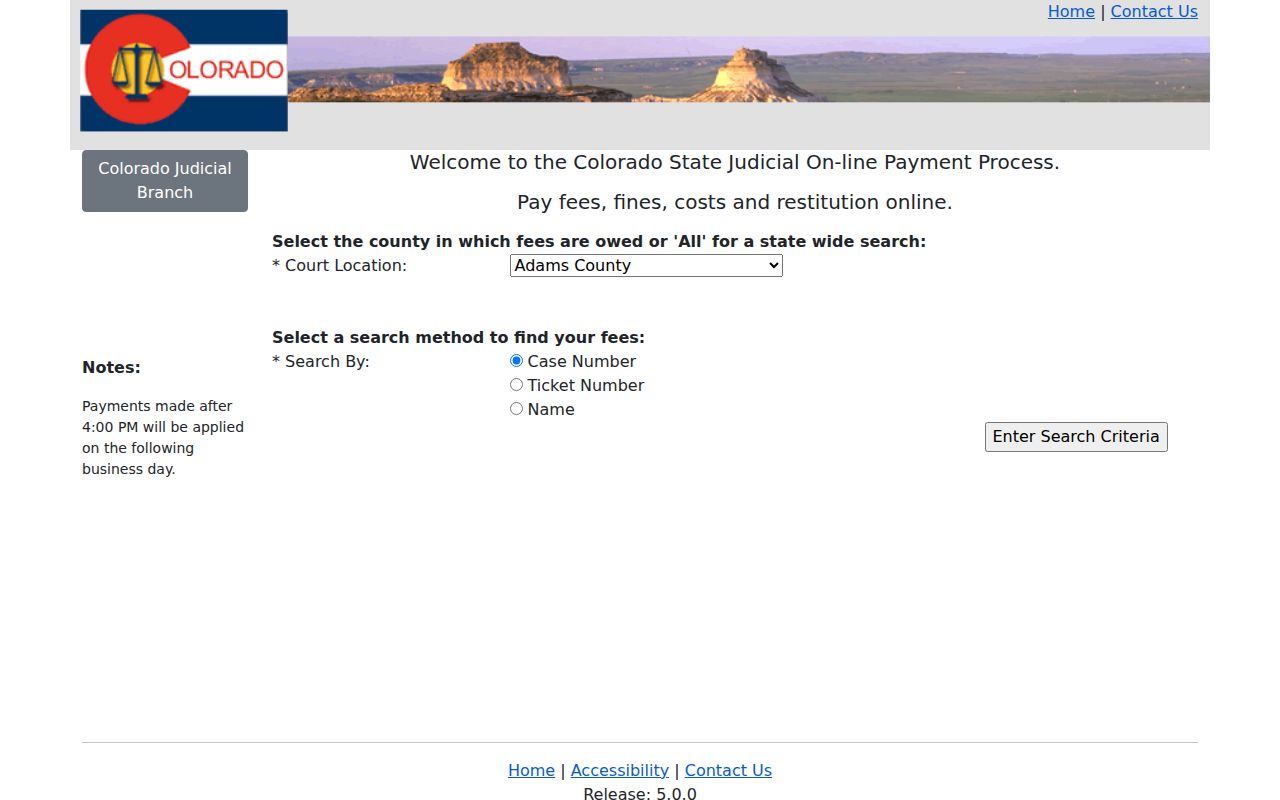
The portal takes payment identifiers for a matter you already know about. It is not the free Dolores County traffic docket. Paying through it never confirms whether an appearance is still required.
Eligible state-court payments also work at the counter or by phone at 970-677-2258. Mail goes by check or money order, never cash. Add the name and case number. Verify the correct mailing address before any funds leave your hands.
Pay or Contest a Ticket
The citation's printed appearance date governs the next move. No universal Dolores deadline is published. Payment is available only as the court and citation allow. To contest, contact the named court before that date. Then follow its plea or setting process. No single local online contest form exists.
| Pay or Resolve | Contest or Ask for Hearing |
|---|---|
| Read the citation and confirm payment is allowed | Contact the issuing court before the printed date |
| Use the correct state or town payment channel | Follow that court's plea and setting instructions |
| Keep a receipt and confirm any appearance duty | Keep the new notice and check the live docket |
Missed setting: Failure to appear can produce a new order, a warrant in a qualifying matter, collection action, or a DMV-related consequence. Contact the issuing court because the result depends on the offense and order.
Official Dolores sources publish no deferred disposition, traffic-school eligibility, or fee schedule. Ask the court before entering a plea or sending any payment.
Dolores Traffic Ticket Payment Plans
The 22nd Judicial District collections and payments page lists local methods and payment-plan contacts.
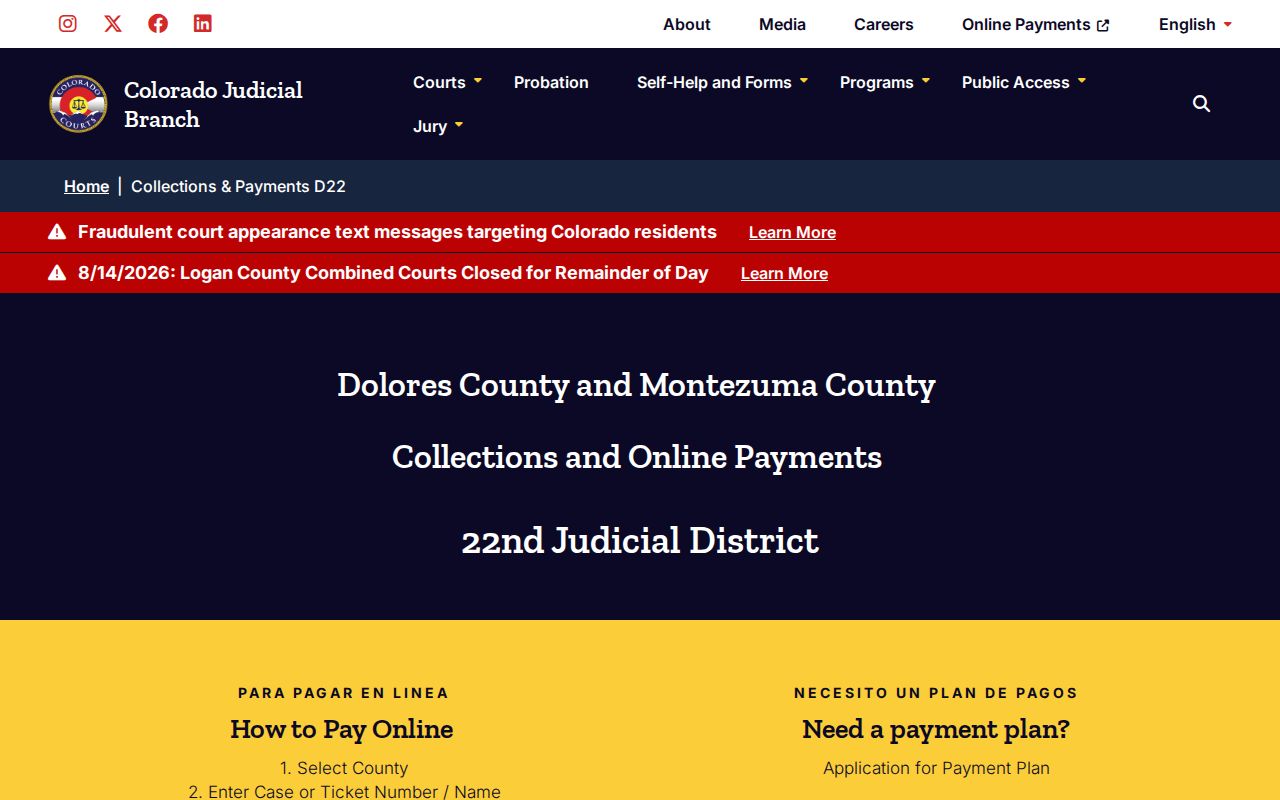
The page confirms that payment-plan applications may be handled online, by fax, or in person. It lists a $25 annual processing fee.
A plan only covers how an eligible court balance gets paid. It changes nothing in the event history. It does not remove the duty to answer a citation. Questions about the plea, the contest route, a setting, or the disposition belong with the court. That court holds the traffic case.
Traffic Court Record vs Driving Record
Two files sit with two different offices. Dolores Combined Court holds the traffic case and its ROA. The Colorado Division of Motor Vehicles keeps the separate state driving record. Requesting one file never produces the other. A payment portal is not a record request for either.
| File | Custodian | Shows | Access Path |
|---|---|---|---|
| Traffic court case or ROA | Dolores Combined Court | Citation filing, plea, events, disposition, costs, settings | Docket search, ROA vendor, clerk request |
| Colorado driving record | Colorado DMV | License status and convictions reported to the agency | DMV's official record process |
When the question is which court heard the citation, what was filed, when it was set, or how it ended, the Dolores County court file is the one to pull.
Dolores Traffic Tickets in Dove Creek
The Dove Creek municipal ticket instructions send known payments to the town's SIPA PayPort.
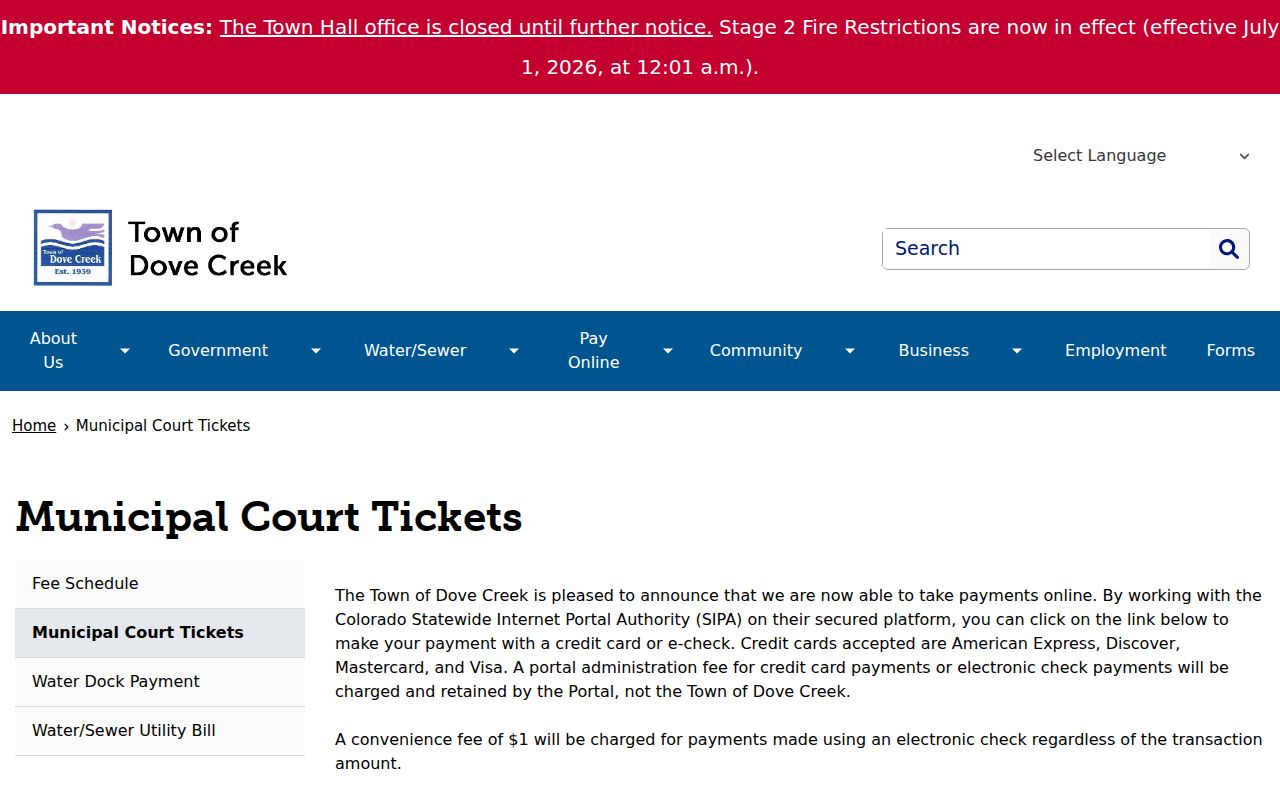
The town's online page handles money only. It will not tell you a court date or a plea. Nor will it explain how to fight the ticket. For copies, missed settings, or contest steps, call the town office instead.
Dove Creek runs citations through its own municipal system. The Dove Creek SIPA PayPort is where that separate payment screen lives.
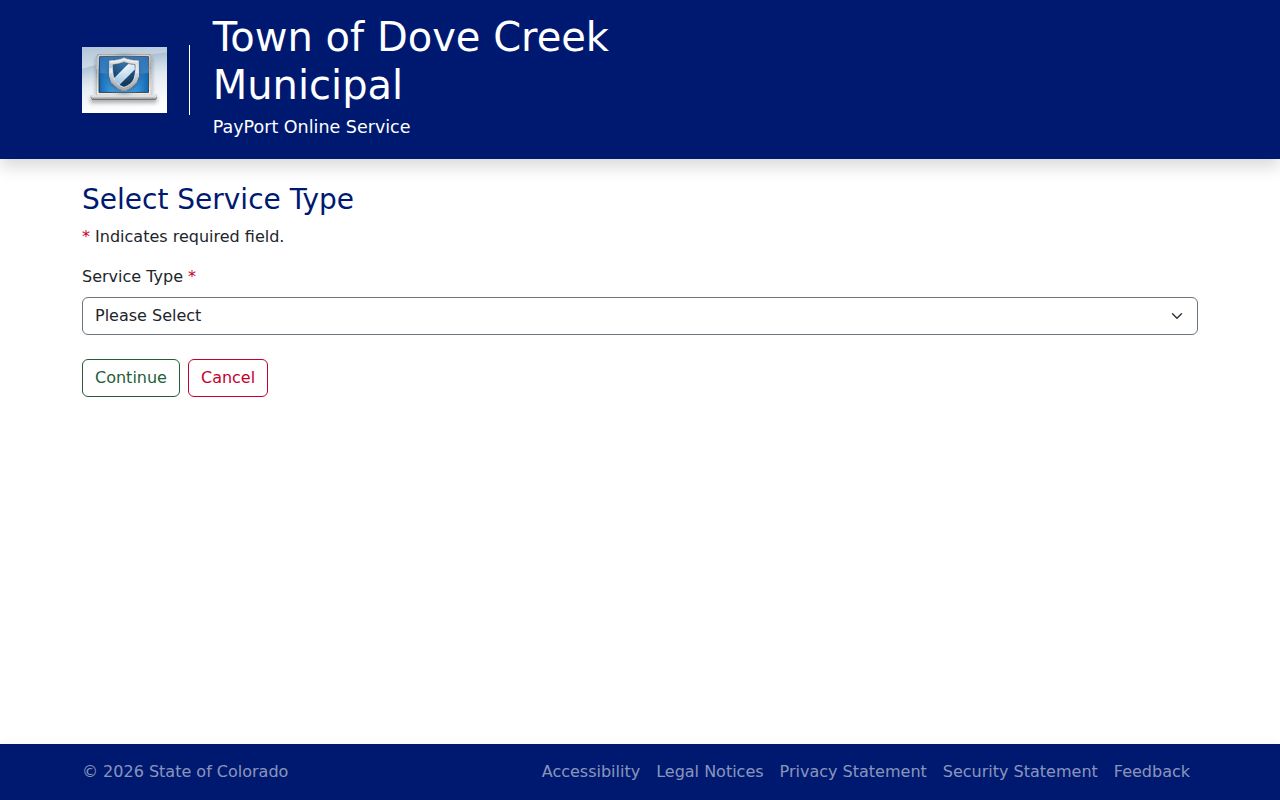
That portal is payment-only, so a Dove Creek citation will not show up in the Colorado Judicial Docket Search. Visit the town office at 314 W. Highway 491, or call 970-677-2255, for anything about a municipal ticket.
Dolores Traffic Tickets Need Court Check
Only two incorporated towns sit in Dolores County: Dove Creek and Rico. Each keeps its own municipal files. Rico's PayPort is payment-only too. Need a Rico citation number, a hearing date, a copy, or help with the portal? Call Rico Town Hall at 970-967-2861.
Sorting out the issuing court comes first. State felonies and major civil cases never go through a town court. State misdemeanors may belong to Dolores County Court. Traffic matters may as well. A municipal matter stays with the court named on the citation. This quick check keeps a payment from landing in the wrong system.
Note: A town payment confirmation is not a Dolores County Court ROA. It is no docket card or certified disposition.
Copies and Fees
Copies of a County Court ticket, ROA, disposition, sentence order, or certified document come from Dolores Combined Court. File the statewide record-request form or contact the clerk. The towns do not publish their copy fees, so ask Dove Creek or Rico before ordering a municipal file.
| State Court Record Item | Fee | Note |
|---|---|---|
| Plain copy | $0.25 per page | $15 maximum for parties and their attorneys |
| Certified or exemplified copy | $20 per document | Plus copying where applicable |
| Name search | $5 | Useful when no case number is known |
| Off-site retrieval | Actual cost | Quote required |
| Payment-plan processing | $25 per year | Payment plan, not a record-copy fee |
The Judicial payment portal cannot sell copies of Dolores County court records, so copy-fee instructions come from the Dolores County clerk after review.
Dolores Traffic Records Stay in State
The assigned federal court locations source marks a separate court system.
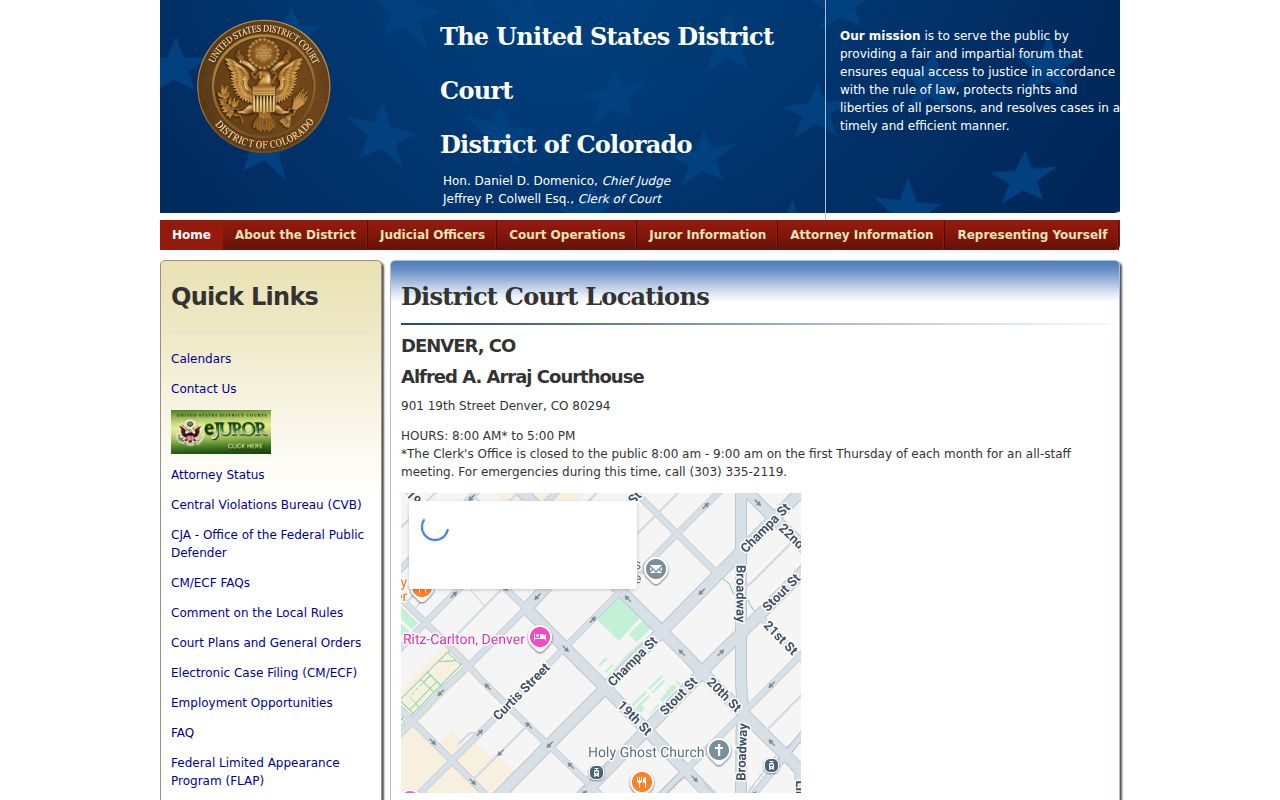
A routine Dolores County or municipal traffic citation never lands in the U.S. District Court for the District of Colorado. The same line holds for the PACER pricing source.
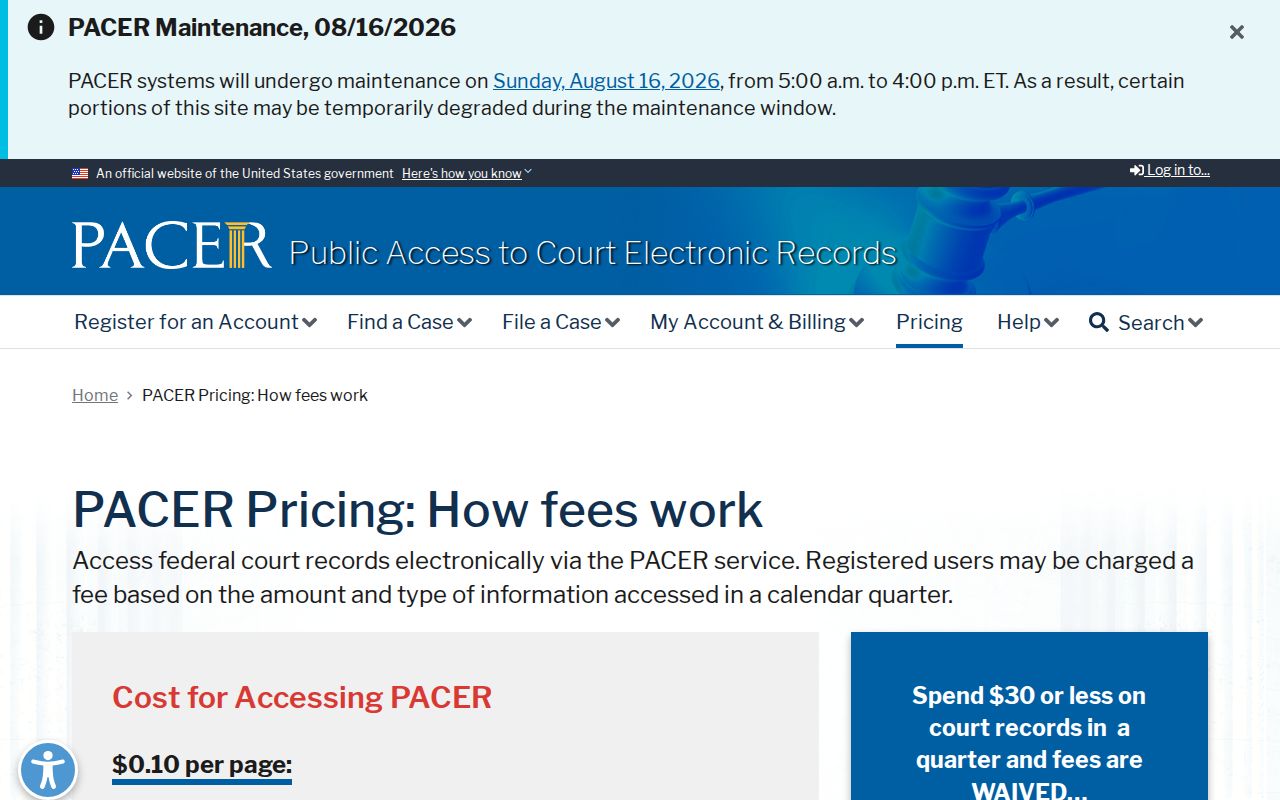
PACER bills under its own fee schedule and only covers federal dockets. It cannot find a Dolores County Court T-class case, a Dove Creek citation, or a Rico municipal ticket.
Dolores Traffic Ticket Date Checklist
Move before the appearance date printed on the ticket. Confirm which court issued it, check that court's calendar if one exists, and hold on to every new notice. If paying is an option, confirm whether payment closes the case or an appearance is still required. Planning to fight it? Get the court's plea and hearing directions.
- Read the issuing agency and court box.
- Match the citation number to a Judicial T number when applicable.
- Check the live setting and hearing type.
- Call the named court when the portal is blank or conflicts with paper.
- Keep receipts, notices, and any reset order.
For a County Court case, the Dolores County case lookup shows the setting and case number. Full calendar help lives in Dolores County court dates.