
How to Search Cases by Name
For an upcoming setting, begin with the Colorado Judicial Docket Search filtered to Dolores County. It costs nothing. You can search an individual, a business, or an attorney. The tool demands a date plus at least one more filter. A common name may pull up multiple cards. Check the case number, hearing time, and hearing type. Two cards do not always mean two events. The same hearing can appear once for each party listed on the docket.
- Choose Dolores County and a useful date range.
- Select Individual or Business, then enter the matching name fields.
- Narrow the Dolores County case search by court type or division when known.
- Compare case number, time, and hearing type across the results.
- Use Export Results or Printable Version to keep a current search copy.
Keep expectations in line. A party search lists scheduled events, not every filing, and it will not open document images. When you need a full dated history of the case, ask the clerk or a listed vendor for the Register of Actions. Most people just call it the ROA.
Dolores County Case Search Fields
The official docket search splits a case number into three separate fields. That beats pasting one long string into a name box. Precision is the reason. A date filter still applies. The Court Type setting also matters. It sorts Dolores County District Court from Dolores County Court. Both courts share one counter at the Combined Court. The filter does the separating for you.
| Field Label | Type | Required | Dolores Search Use |
|---|---|---|---|
| County | Dropdown | Optional filter | Choose Dolores County |
| Date Range | Dropdown/date | Date context | Today through six months, or a specific date |
| 4-Digit Year | Number | For number search | First case-number part |
| Case Class | Dropdown | For number search | Examples include CR, CV, DR, M, R, and T |
| Case Sequence | Number | For number search | Final case-number part |
| Party or Attorney | Radio/text | Alternative | Individual, business, name, or bar-number fields |
Labels on the Dolores County portal carry real weight. Pick Business and the name inputs change. Pick the attorney option and you get attorney-name or bar-number fields instead. Forcing a firm name into a surname box is a quick way to get nothing back.
How to Search by Case Number
Every Colorado trial-court number combines a year, a class, and a sequence. Read 2026CR4 as a 2026 filing, the CR criminal class, sequence 4. Dolores formats also include 2026T20, 2026M30, 2026C17, 2025DR4, and 2026R83. Those are format examples only. Type each piece into its own portal field.
The class letter also steers you to the right court. CR and CV usually signal District Court work. M and T belong to County Court. C is a County Court civil class. DR means domestic relations. R marks a protection-order matter. JD is a juvenile-delinquency class with special access rules. Guess the class wrong and the docket search can hide the very result you want.
Dolores County Case Lookup Layers
A second access layer is the CoCourts search screen. Colorado Judicial links to it for a real-time ROA, but it warns that the vendor's information is not the official court record.
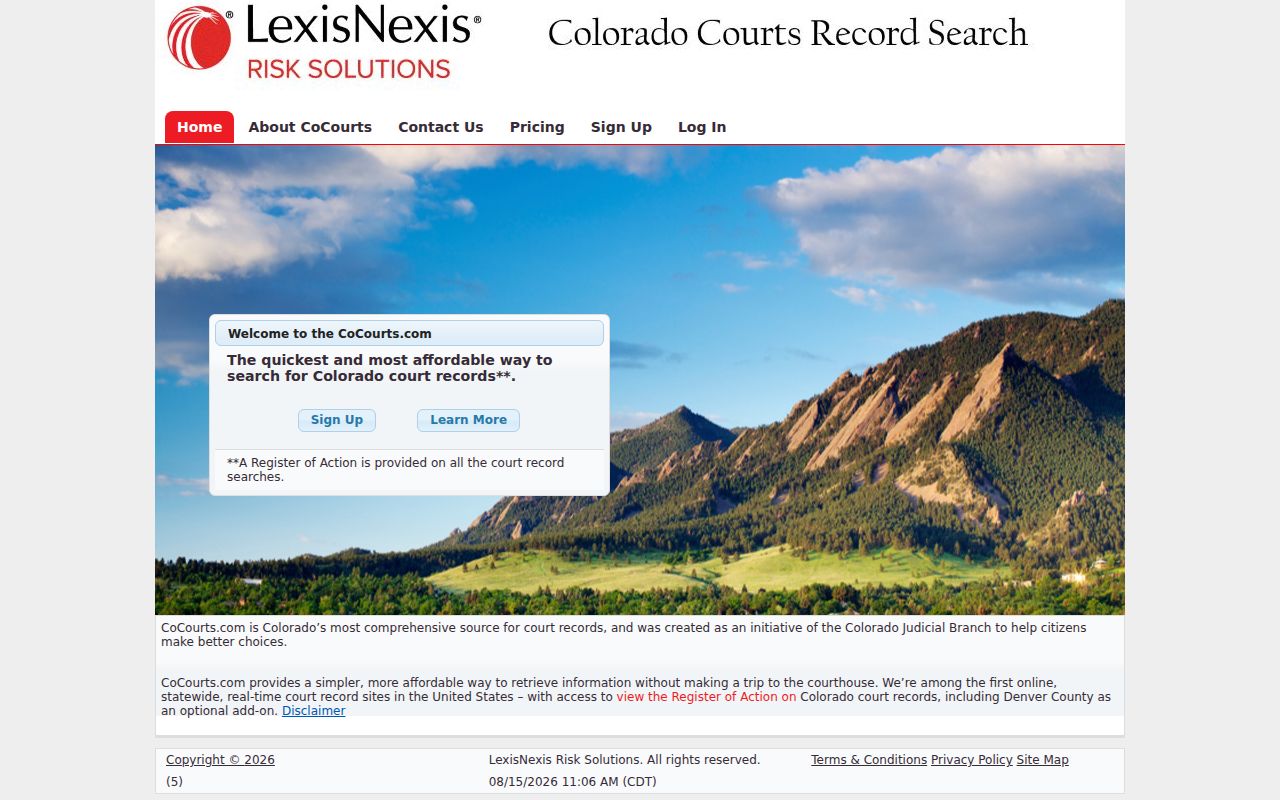
That screen helps when you want a chronological summary fast. An official order or certified paper still has to come from Dolores Combined Court.
CoCourts reports coverage of Dolores County and District Court cases back to 1995. Domestic, civil, criminal, traffic, small-claims, and misdemeanor categories are included. Juvenile, probate, and sealed cases are not. A search can cost up to $10.50 even if it returns nothing. So search carefully. Anything you purchase stays open through Search History for 24 hours. No new charge applies in that window.
What a Case Search Shows
Think of the free Dolores County case search card as a calendar entry. It carries just enough to identify an event and prepare for a setting. CoCourts adds summary fields on top. Neither hands you filed documents, minutes, or detailed narratives. That line matters. A hearing card is not the full case record. Mistaking one for the other leads people astray.
| Case Number | Structured year, class, and sequence, such as 2026CR4 |
|---|---|
| Hearing | Date, start time, duration, and hearing type |
| Location | Court, appearance type, courtroom, and division when displayed |
| Party Display | Individual or business name tied to the scheduled event |
| ROA Summary | Status, court, type, judge, public parties, charges, plea, disposition, and scheduled events where covered |
No layer turns a signed order into a viewable image. To request the paper behind an entry, see the Dolores County court record search page.
Dolores County Case Search Coverage
For the details, the vendor's published CoCourts coverage and search notes lay out which case types can appear and what a search returns.
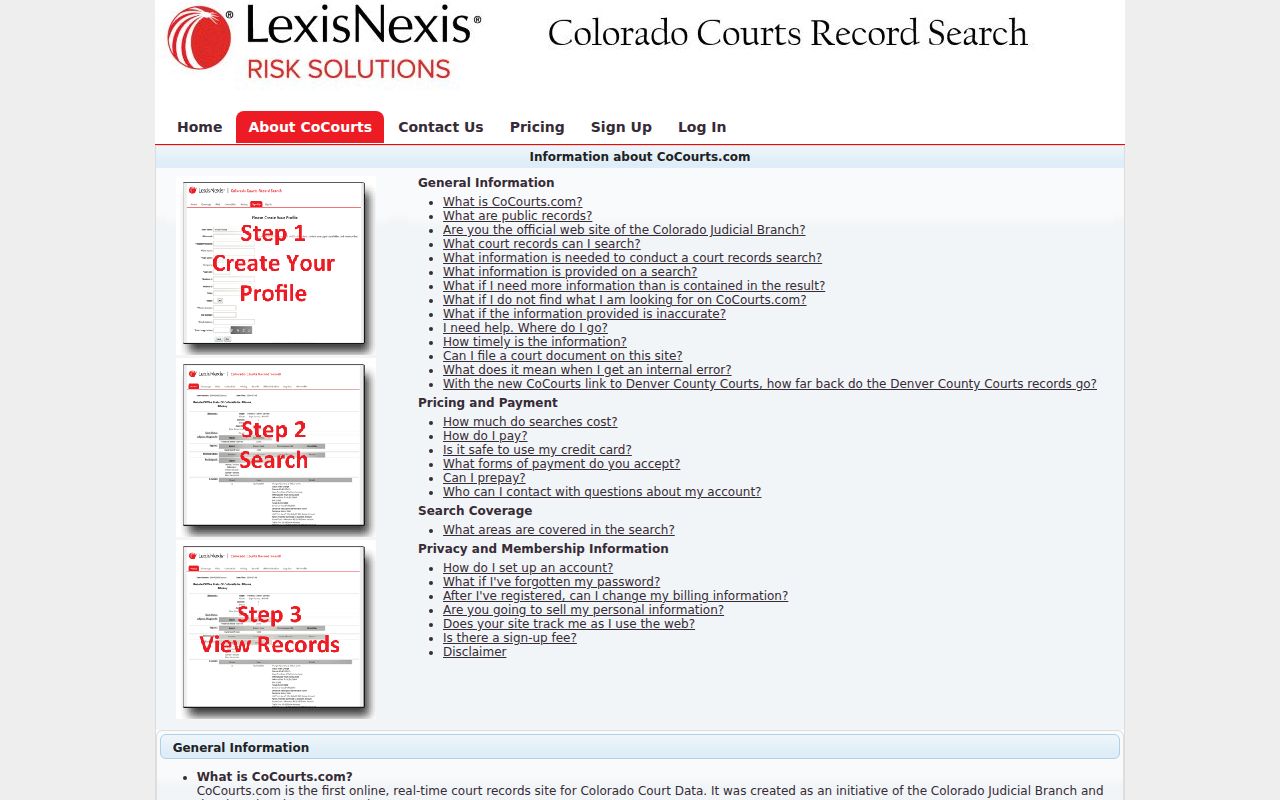
Those limits are why a current Dolores case may still need direct clerk contact. Probate, juvenile, and sealed cases point back to the clerk's office. Older matters and document-level requests do too.
Vendor name searches take a last name plus a full or partial first name. Up to four comma-separated first-name variants ride along with one surname. The vendor says open and closed data is real time. Changes generally show within an hour. Credit that timing to the vendor feed, not to any clerk guarantee.
County vs Statewide Case Search
Dolores County hosts no separate county-run case database. The free Judicial Branch tool covers the county once you prefilter it. CoCourts offers a broader paid ROA summary. The official case file still lives with the local clerk. Treat these as complementary channels, not two copies of one database.
| Channel | Best For | Key Limit |
|---|---|---|
| Colorado Judicial Docket Search | Free upcoming hearing and setting lookup | Not a full ROA and no document images |
| CoCourts | Paid, real-time case summary for covered types | Not official, incomplete coverage, no filed papers |
| Dolores Combined Court clerk | ROA, pleadings, orders, judgments, and certification | Request and applicable fees required |
Each tool has its lane. Use the free search to find a date. Use the ROA to follow events over time. When the actual text of an order or judgment matters, ask the clerk for the document itself.
Dolores County Case Lookup Authority
One authority point: the Colorado Judicial public-record access guide states plainly that direct full online court-record access is not available from the Branch.
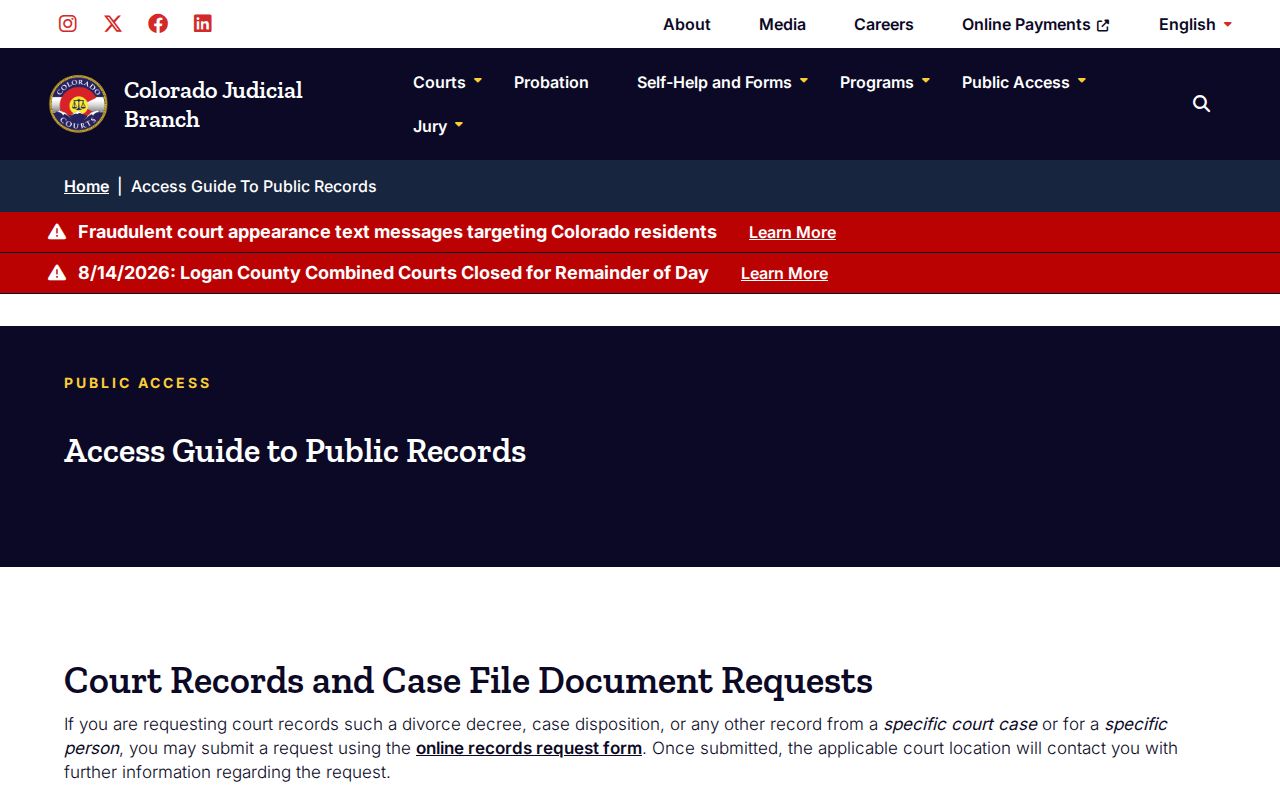
Each tool has its own job. A calendar helps you find a hearing. A vendor offers a summary. The clerk authenticates the record. Colorado's Chief Justice Directive 05-01 sets the rules for access to state court records. It allows public inspection. Confidential material stays protected by law, rule, court order, or the nature of the file. Records of the Administrative Judicial Department follow P.A.I.R.R. instead. That process, though, cannot stand in for a request. It is not a way to get a pleading in a named case.
When Dolores Case Lookup Fails
A blank result proves nothing. Start with the basics. Check the spelling, the Individual or Business choice, the filing year, the case class, the court type, and the date range. Then run a known case number through the docket search. Two gaps can hide a matter. A new citation may not yet have a Judicial number, and an old file may sit in off-site storage.
Best fallback: Call the Dolores Combined Court clerk at 970-677-2258 or email DoloresClerk@judicial.state.co.us with the party name, likely year, case type, and any known number.
The Dolores County clerk can tell you whether a public terminal is available. The official records form lists a $5 name-search fee. Off-site file retrieval is charged at actual cost. Confirm the class and court first. Repeat paid docket searches before that step only waste money.
Dolores County Case Search Terminal
The Colorado Courts Public Access login shows that terminal interface.
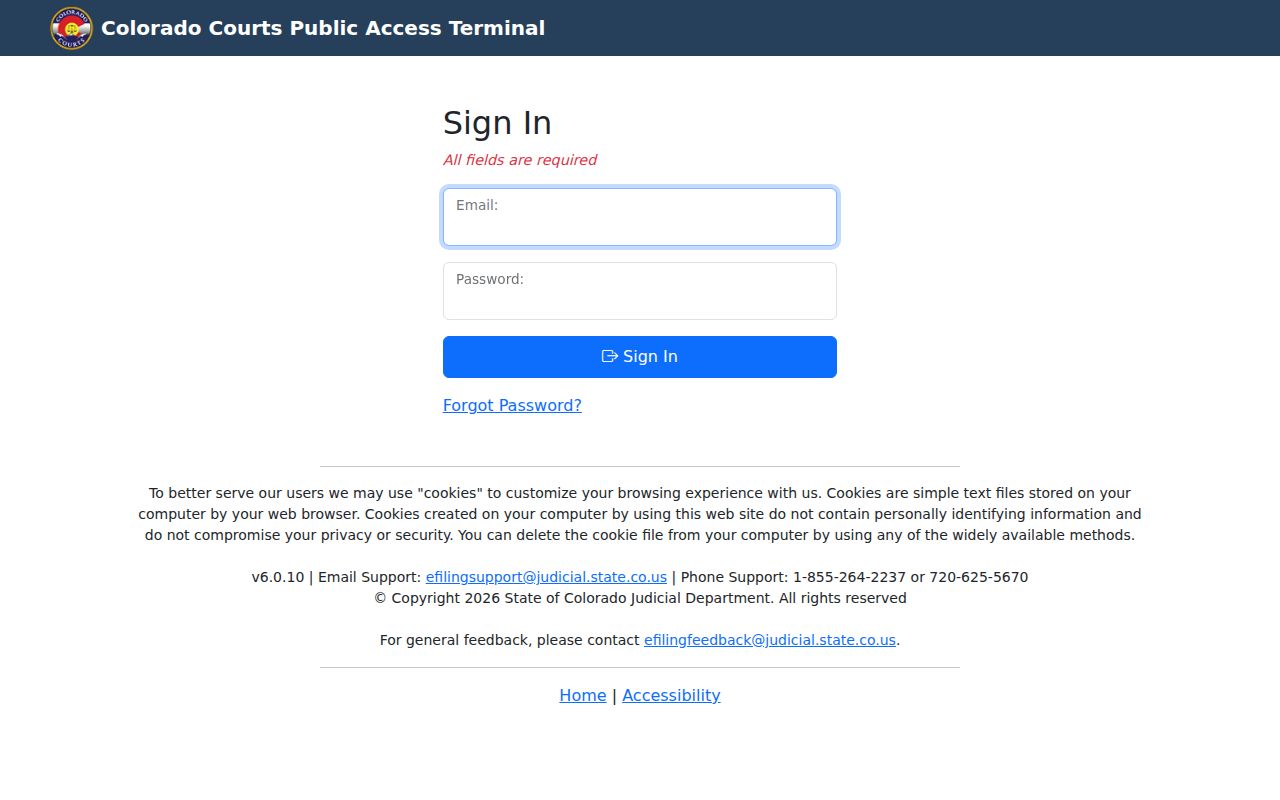
The Dolores court page does not publish the terminal's location or its assistance rules, so call ahead before driving to Dove Creek. The clerk counter sits at 409 N. Main. Hours are limited. Public hours run Monday and Tuesday, 7:30 a.m. to 4:00 p.m., and Thursday, 7:30 to 11:30 a.m. Wednesday and Friday are closed days. State holidays and other posted closures apply too. When a trip will not work, phone, email, fax, mail, and the statewide record-request form all still reach the clerk.
Restricted Cases and Access Rules
Some Dolores County case files sit behind tighter rules. Juvenile, sealed, adoption, dependency and neglect, and certain sensitive domestic records all qualify. A JD event may be withheld or shown only as far as Colorado law allows. Redactions are common too. Protected addresses, minor-identifying data, Social Security numbers, and full financial-account numbers can all be masked. Sealing is legal authority, not a search control. Authorized access may still require proof of identity, party status, authority, or a court order. Commercial data has gaps, the Branch warns. It leaves out some cases and case types. When a known matter is missing from any court docket, the official sealed-case channel and the issuing court are the right routes.
Dolores County Case Lookup Clerk
Cheyenne Martin's clerk contact record covers Dolores County's courts.
One clerk office runs both courts. The contact page confirms that it handles District Court and County Court case records alike, despite their different jurisdiction and case classes.
Clerk of Court, Dolores Combined Court
409 N. Main, P.O. Box 511
Dove Creek, CO 81324
970-677-2258
Fax: 970-677-4156
DoloresClerk@judicial.state.co.us
Ask the clerk for what you need. An ROA, a named pleading, an order, a disposition, or a certified copy all work. Deeds are a different matter. The elected Dolores County Clerk and Recorder maintains land, election, and county records, not state trial-court case files.
Dolores Case Search to Paper
The access path is short when the needed product is clear: free docket card → ROA summary → filed paper → certified copy. A calendar card confirms a scheduled event. The ROA places that event in the dated history. The filed paper gives the actual text, and certification adds the clerk's authentication.
Need the paper itself? Use the Judicial record-request form or contact the Combined Court for a complaint, petition, order, judgment, sentence order, or other named document from the court docket. List the structured number, party names, case type, filing year, and Dolores County as the location. The Dolores County court then replies about cost and delivery. No fixed turnaround is published. One caution applies: a hearing entry proves a setting was listed, not that a signed order was entered.