
Dolores County Court Calendars Explained
Colorado publishes its local court calendar through the Colorado Judicial Docket Search filtered to Dolores County. It covers District Court and County Court settings. Narrow it by location, court type, division, date, case number, party, or attorney. Each result shows the date, start time, duration, party or business name displayed, case number, hearing type, location, appearance type, and courtroom.
The service is free. Printable and export controls come built in, and long result sets run across pages. Remember what a Dolores County court date card is not. It holds only the scheduled-event layer. That layer is not the full Register of Action. It is not the filed notices or orders. Save a result for reference if you like. But the current court record wins whenever a setting later changes.
The statewide docket search interface used for Dolores County offers these filters on one form.
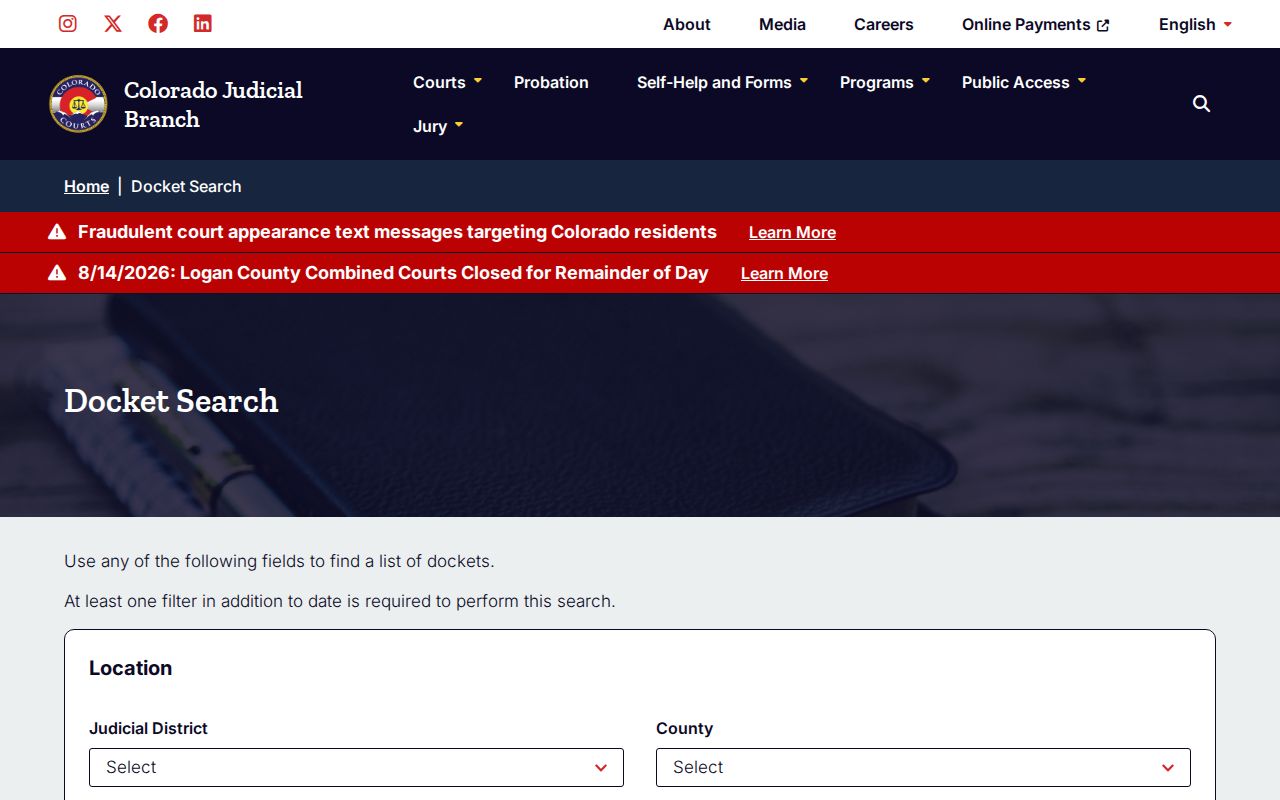
That one form serves the entire state. Pick Dolores County, choose the correct court type, and add a solid case key to turn it into a local calendar search.
Dolores County Court Calendar Filters
A date range alone will not run a Dolores County calendar search. The system demands at least one filter beyond the date. A structured case number works best. It separates one specific matter from other people who share a name. Colorado numbers use a four-digit year, a case class, and a sequence. The format looks like 2026CR4.
| Search key | Use | Dolores calendar value |
|---|---|---|
| County | Limits the location | Dolores County |
| Court type | Separates trial-court levels | District Court or County Court |
| Case number | Targets one matter | Year, class, sequence |
| Party | Fallback when number is unknown | Individual or business fields |
| Attorney | Finds counsel-linked settings | Name or bar number |
One Dolores County event can show up on more than one party card in a name search. Before treating two cards as separate hearings, compare the case number, time, and hearing type. When a common name drags out the list, lean on the court type and division filters.
Finding Your Court Date
For a Dolores County court date, the paperwork comes first. Gather the summons, ticket, setting notice, or filed order. Write down the court, division, case number, date, and any appearance instruction. Then check the live Dolores County court calendar. If a paper notice and the web result disagree, the clerk is the authoritative fallback.
- Open the county-filtered calendar and choose a date range.
- Add Dolores County plus the case number, party, attorney, court type, or division.
- Match the returned case number and hearing type to the notice.
- Check time, duration, location, appearance type, and courtroom.
- Review the latest ROA or filed order if an older setting was reset.
- Call 970-677-2258 or ask at the clerk counter when any source conflicts.
Dolores Combined Court also answers email, web record requests, mail, and fax. Through those channels you can obtain a setting notice or an ROA. The court posts no separate daily printed calendar, so ask the clerk what hangs at the courthouse before counting on a docket board.
Dolores County Calendar Search View
The official county-filtered calendar page is captured below with Dolores County already selected.
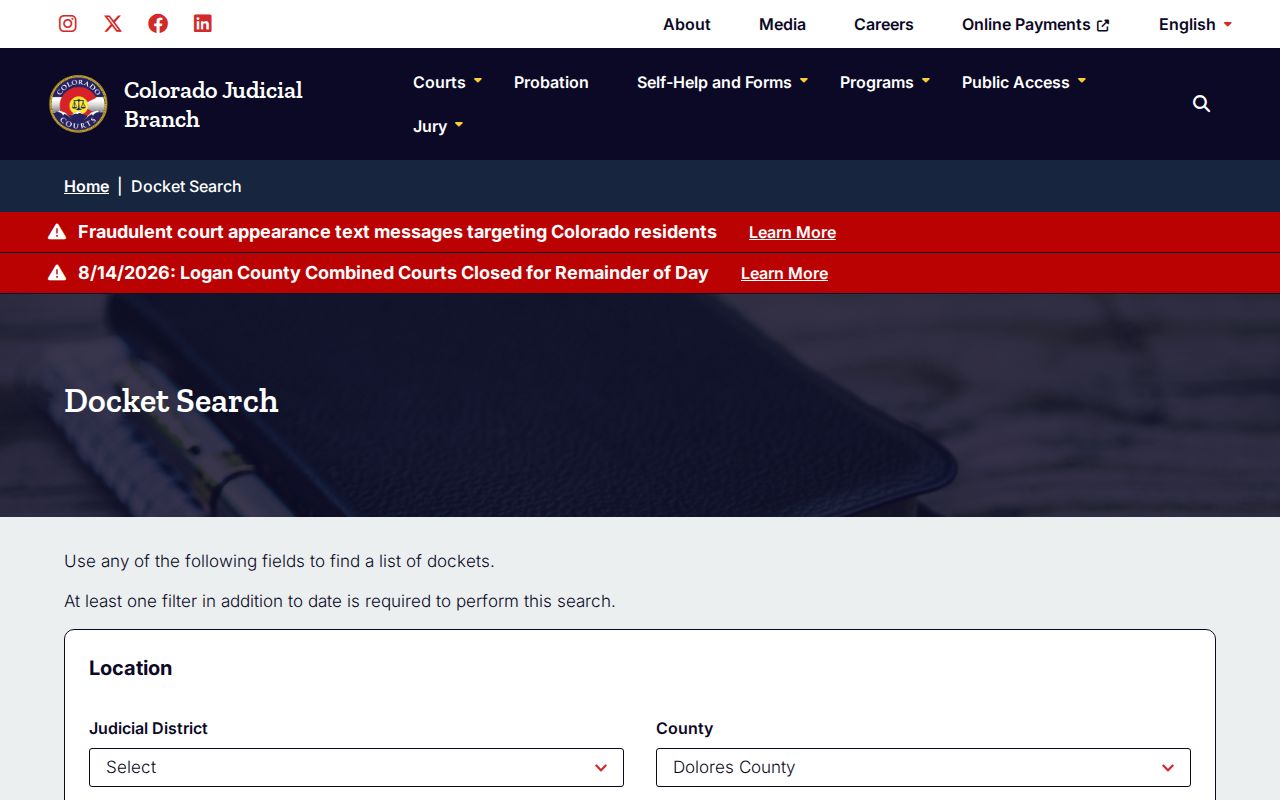
This Dolores County calendar view cuts down location mistakes. It cannot choose your court type, though. Case classes do that work. CR, CV, DR, PR, and juvenile classes generally point to District Court. M, T, and many C matters generally point to County Court. Both trial levels sit inside Dolores Combined Court. The class can matter more than the building name.
Use Export Results or Printable Version to keep a working copy of your Dolores County court dates. Then check again close to the hearing. A saved calendar never updates itself after a continuance, closure, or new court order.
How to Read a Court Setting
Every Dolores County court date carries several fields. The fields only make sense together. The hearing label gives the purpose. The appearance type gives the expected attendance. Read a blank remote field as silence, not as permission to use Webex. Location and courtroom separate two events set at similar times.
| Date | The calendar day assigned to the scheduled event. |
|---|---|
| Time | The listed start time; confirm whether it is an individual setting or shared docket time. |
| Duration | The block of time shown for the event, not a guarantee of when it will end. |
| Courtroom | The room or division attached to the setting. |
| Judge or court | The assigned judicial division when displayed. |
| Setting type | The stated purpose, such as arraignment, status conference, plea, sentencing, or hearing. |
One event can repeat a party or business name across several cards on the Dolores County calendar. The case number remains the best grouping key. When identity or courtroom details look murky, ask the clerk instead of assuming two similar cards mean two distinct appearances.
Dolores County Court Date Labels
The Dolores County court calendar labels its results with care. Expect entries such as First Hearing, Hearing on Bond, Appearance on Bond, Arraignment, Status Conference, Plea Hearing, Sentencing Hearing, PreTrial Conference, Hearing on Probation, Appearance of Counsel, Return Filing of Charges, Hearing, Permanent Restraining Order Hearing, and Return Date on Summons. These names guard against one common error. Not every calendar entry is a trial.
- Arraignment
- A criminal event addressing the charges and plea procedure.
- Status conference
- A progress check that may set deadlines or another hearing.
- Plea hearing
- An event concerning a plea, separate from sentencing.
- Return date
- An initial procedural date that is not necessarily a trial.
- Probation hearing
- A post-disposition event concerning supervision.
A bond hearing and an Appearance on Bond are two separately named events on the Dolores County court calendar. Neither label alone spells out the full bond terms. For that detail, go to the ROA and the filed order.
Continuances, Resets, and Cancellations
A continuance or reset in Dolores County simply moves an event to a new date. The old date may still sit in the ROA history. That entry stays even after it stops being live. Read the entries in order. Hunt for the newest continuance order, minute order, notice of hearing, or reset. The freshest valid instruction from the court is the one that counts.
Treat the farthest-out date with some care, because a later filing may have changed it. Holidays and weather closures can also push settings around. Colorado Judicial posts closure notices, though a copied screen grows stale over time. The Dolores County case lookup shows the current public card. The clerk can confirm which event actually controls.
What if the online calendar and your paper notice disagree? Call the Dolores Combined Court clerk at 970-677-2258 rather than guessing which one wins. Have the case number, the division, and both dates ready. Note where each date came from too.
Note: A continuance only changes the setting. It does not dismiss the case or erase earlier docket events.
Dolores County Court Dates and Webex
The local virtual-courtroom procedure does not make remote attendance automatic. Under Administrative Order 2024-09, you must file a motion to appear by Webex at least 48 hours before the hearing. The motion itself is only a request. The court still has to grant the remote appearance.
Appearance type matters: A blank calendar field is not Webex approval. Check the latest court order and confirm the ruling on any remote-appearance motion.
Test your setup well before the start time. Match the calendar's appearance type against your written notice. If permission looks unclear, contact the court directly. Interpreter requests and ADA accommodations run through separate statewide official channels, so arrange them there instead of inferring anything from the calendar.
Dolores County Calendar Travel Checks
The Dolores Combined Court location page lists a very limited weekly counter schedule. After March 9, 2026, regular public hours are Monday and Tuesday from 7:30 a.m. to 4:00 p.m. and Thursday from 7:30 a.m. to 11:30 a.m. The office is closed Wednesday and Friday. State holidays close it too. The court sits at 409 N. Main in Dove Creek.
A call makes sense before driving in from Rico or any outlying area. Confirm the hearing is still set. Ask whether you must appear in person, and whether the counter will be open for a same-day record request. Some regional staff services based in Cortez reach Dove Creek only at specified times.
Remember that a phone confirmation is not a new setting order. Follow whatever the court has filed. Then ask how to get a copy once a change is entered. The clerk's general email is DoloresClerk@judicial.state.co.us, and the court phone is 970-677-2258.
If You Miss a Court Setting
Act fast after missing a Dolores County court date. Check the public calendar and the ROA for any new event or order. Then reach the clerk and any attorney on the case. Give the case number. Give the type of hearing you missed, the scheduled time, and your current contact information. Never assume that a payment, a voicemail, or a new online result cancels what the court still expects of you. A payment is not a substitute for showing up.
Missed a setting? A missed appearance can lead to added court action, including a warrant in a qualifying criminal matter or other case-specific consequences.
Contact the clerk at once and obtain the latest order or setting rather than appearing at a guessed time.
Legal advice may be needed when the court has entered a warrant, default, dismissal, or other order.
The outcome turns on the case type and the court's order. A civil absence can carry a different consequence than a criminal failure to appear. The clerk can tell you what the docket shows and hand over filed papers, but cannot give legal advice or promise how a judge will respond.