
Searching Dolores County Civil Dockets
Planning a civil setting in Dolores County? Start with the free Colorado Judicial Docket Search filtered to Dolores County. Pick District Court for a general civil case, plus domestic or probate matters. County Court is the right choice for limited-jurisdiction civil claims and protection-order proceedings. One catch: the date range alone is not enough. Add a case number, a party, an attorney, or a division. Only then will the search run.
A case number is the strongest filter. Type the year, class, and sequence into their separate fields. No number handy? Search by Individual or Business instead and fill in the matching name fields. Each result card shows the date, time, and duration. It also lists the case number, hearing type, location, appearance type, and courtroom. From there, take the next layer:
- Use the public calendar to identify the setting.
- Use CoCourts or ask the clerk for the civil Register of Action.
- Use the record webform for a named order, petition, judgment, or probate paper.
- Ask the clerk for certification when authenticated proof is required.
The Dolores Combined Court clerk also takes requests at the counter, by phone and email, and through mail or fax. Those channels reach older files and records that the online docket search leaves out.
Dolores County Civil Docket Classes
Class letters on a Dolores County civil docket tell you which court owns the case. A 2026C17 number signals County Court civil work. CV marks District Court civil jurisdiction. DR is domestic relations, and R covers a restraining or protection-order proceeding. Everything files through the combined clerk. Yet each class carries its own case type and court assignment.
| Class | Court track | Typical record focus |
|---|---|---|
| C | Dolores County Court | Limited civil jurisdiction |
| CV | Dolores County District Court | General civil matters |
| DR | Dolores County District Court | Domestic relations |
| R | State trial court as assigned | Protection-order proceeding |
A Dolores County probate matter carries its own PR class in the statewide search. The free calendar is a setting list, not a catalog of every civil file, and restricted family information may stay off it entirely. Match the class on your notice or pleading instead of guessing from the courthouse name.
Inside a Dolores County Civil Docket
Think of a Dolores County civil Register of Action. It is the dated spine of the case. It opens with a complaint, petition, or application. From there it logs responses, motions, notices, minute orders, settings, and signed orders. Everything that follows lands there too. A case can close by judgment, dismissal, a settlement-related order, or some other disposition. Even afterward, the docket may pick up a transcript or a satisfaction of judgment.
| Header | Case number, class, filing court, division, status, and filing date when available. |
|---|---|
| Parties | Plaintiff and defendant, petitioner and respondent, or applicant and counsel roles. |
| Events | Filings, service or response, motions, notices, minute orders, hearings, and judgment events. |
| Calendar | Date, time, duration, displayed name, hearing type, location, appearance type, and courtroom. |
| Documents | Filed orders and other papers that must be requested from the clerk. |
The docket index and the filed paper are two different records in Dolores County. A calendar card promises a hearing, not a ruling, and it cannot show whether the judge later signed an order. For the actual order, the clerk's copy governs.
Dolores County Civil Docket E-Filing
Colorado Courts E-Filing moves papers into the system; it is not a public viewer for case files. Attorneys work through the Judicial Branch attorney e-filing information, which lays out filing procedures and system access for lawyers.
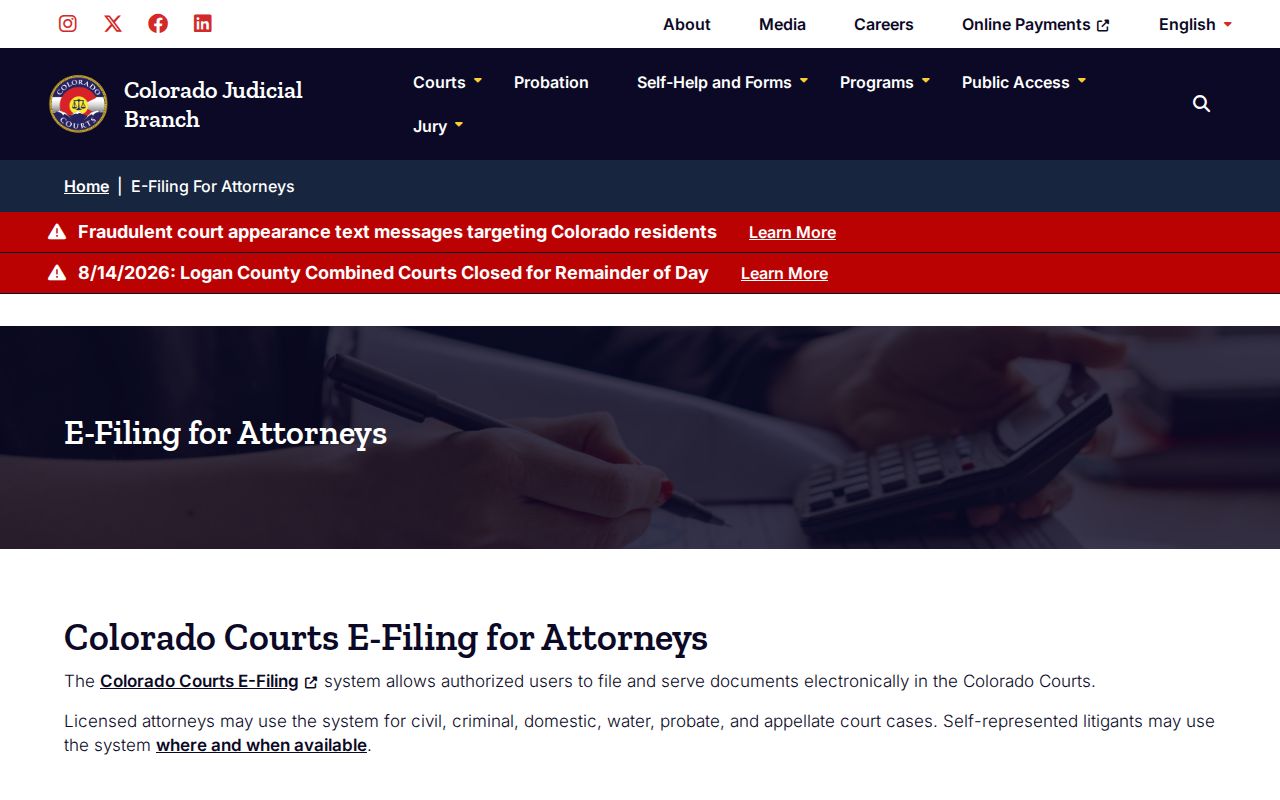
In a Dolores County civil case, e-filing delivers papers to the court. It never turns them into free public downloads. Public docket access still runs through the calendar. It also uses the ROA vendor or terminal and the Dolores Combined Court clerk.
Self-represented parties with support in Dolores County can consult the non-attorney e-filing information. That page explains who may file electronically and how the submission process works.
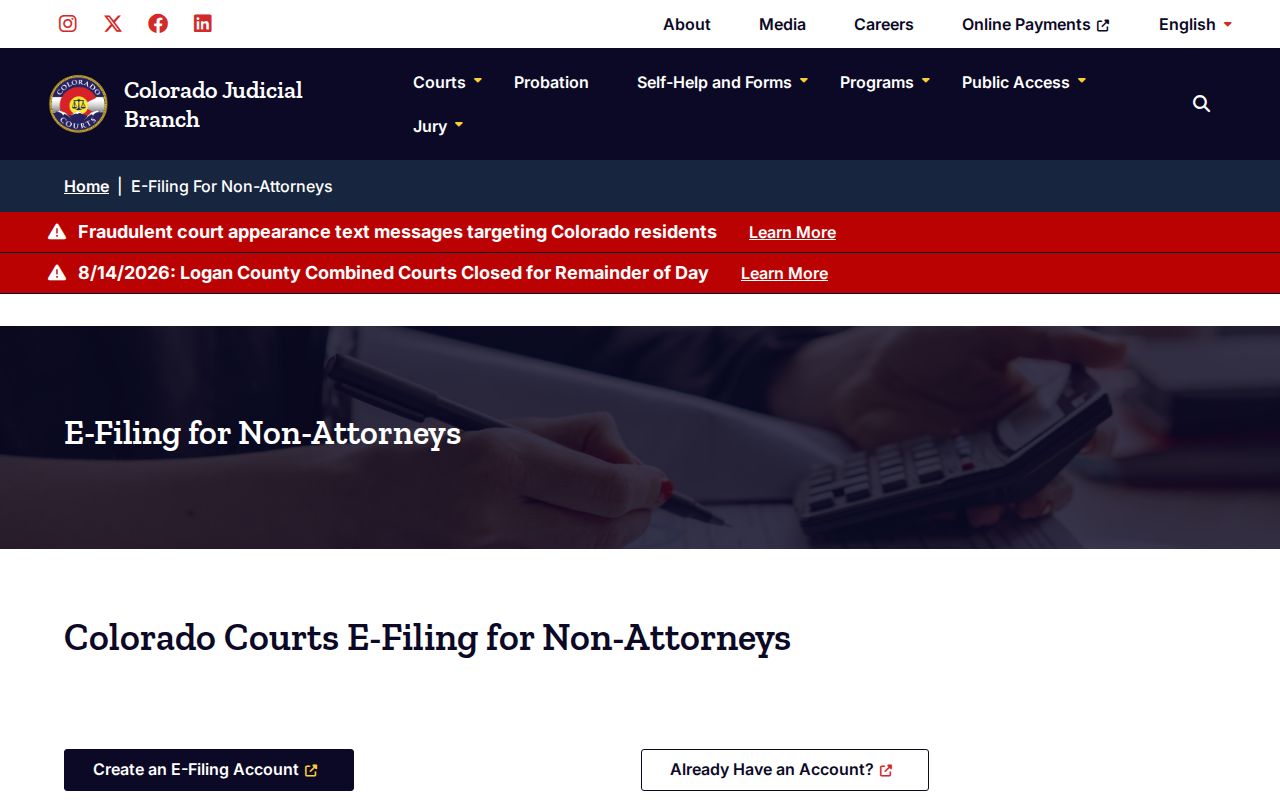
The same boundary shows up on the non-attorney side. Submitting a filing and viewing a public docket are separate tasks in Dolores County. After a submission, check the ROA or call the clerk to confirm the event was entered and to get a filed copy.
Civil Case Types on the Docket
Dolores County District Court handles general civil matters. It also takes domestic relations, probate, juvenile, mental-health, and other general-jurisdiction cases. County Court takes civil matters within its statutory jurisdiction plus protection orders. Colorado lists small claims among the categories available through commercial ROA access. Keep in mind the public calendar is a setting search, not a full case-type inventory.
Civil files in Dolores County also vary by party roles. A conventional claim lists a plaintiff and defendant. Domestic cases use petitioner and respondent. Probate work centers on an applicant. It may include applications, petitions, letters, wills, trusts, claims, and closing documents. Protected family and juvenile material sits behind tighter access rules.
Always confirm the filing court before trusting a match. Two civil cases can share a party name. They can even share a courthouse while carrying different classes, judges, and remedies. The Dolores County case lookup works best when you know the year, class, and sequence.
Dolores County Civil Judgment Records
Three judgment papers do very different jobs in a Dolores County civil file. The Order for Judgment states the court's ruling. A Transcript of Judgment is the clerk-issued judgment record. A Satisfaction of Judgment shows it was paid off. The official record request process lists each one as a separate choice.
| Record | What it establishes | Listed charge |
|---|---|---|
| Order for Judgment | The filed court ruling | Copy fees apply |
| Transcript of Judgment | A clerk-issued judgment record | $25 |
| Certificate of Satisfaction | Recorded satisfaction of the judgment | $20 |
| Certified copy | Clerk-authenticated copy of a selected document | $20 per document plus copying |
Dolores County charges $0.25 per page for ordinary copies. Parties and their attorneys enjoy a $15 copy maximum. Non-parties get no such cap. The receiving court quotes the payment due and any actual off-site retrieval cost. The webform promises no processing turnaround, so plan around that gap.
Civil Docket Settings and Hearings
A Dolores County civil setting is only a scheduled event. It does not prove the court has ruled. The calendar labels you might see include Hearing and Status Conference. Others are Appearance of Counsel, Permanent Restraining Order Hearing, and Return Date on Summons. A return date often covers initial procedure, so it is not necessarily a trial. A status conference may set deadlines or move the next event along.
Read the whole entry together. Note the case number, hearing type, date, time, location, appearance type, and courtroom. One case event can produce duplicate party cards. Group cards that share a case number, time, and hearing label. That way you avoid assuming several hearings were set. If a notice and the public calendar conflict, check the latest ROA or filed order, then call the clerk.
Virtual appearance is never automatic. A blank appearance field grants no permission. Local procedure requires a motion at least 48 hours before a requested Webex hearing. The court decides the request.
Dolores County Civil Docket Orders
A Dolores County civil docket may list a hearing yet show no result. When that happens, search the ROA for a minute order or a later signed order, since the calendar can update the schedule without revealing the ruling. CoCourts states plainly that it supplies no document images or detailed narratives. A summary status never replaces the filed paper.
Need the result? Request the signed order or judgment from Dolores Combined Court and add certification only when authenticated proof is required.
Requesting an older file? Give the clerk the year, class, sequence, party names, and the exact document sought. The clerk can route an off-site retrieval and advise on redaction. Restricted matters are different. Identity, party status, authority, or a court order may be required before access is granted.
Note: A calendar entry proves a setting was listed. The signed order records what the court actually decided.
Dolores County Civil Docket Boundaries
Colorado state e-filing and federal CM/ECF do not cross-search each other. A Dolores County CV or C number belongs in the state system. Federal civil matters in the District of Colorado are different. They use the federal docket system and PACER instead. The District of Colorado CM/ECF information page explains how that federal system works.
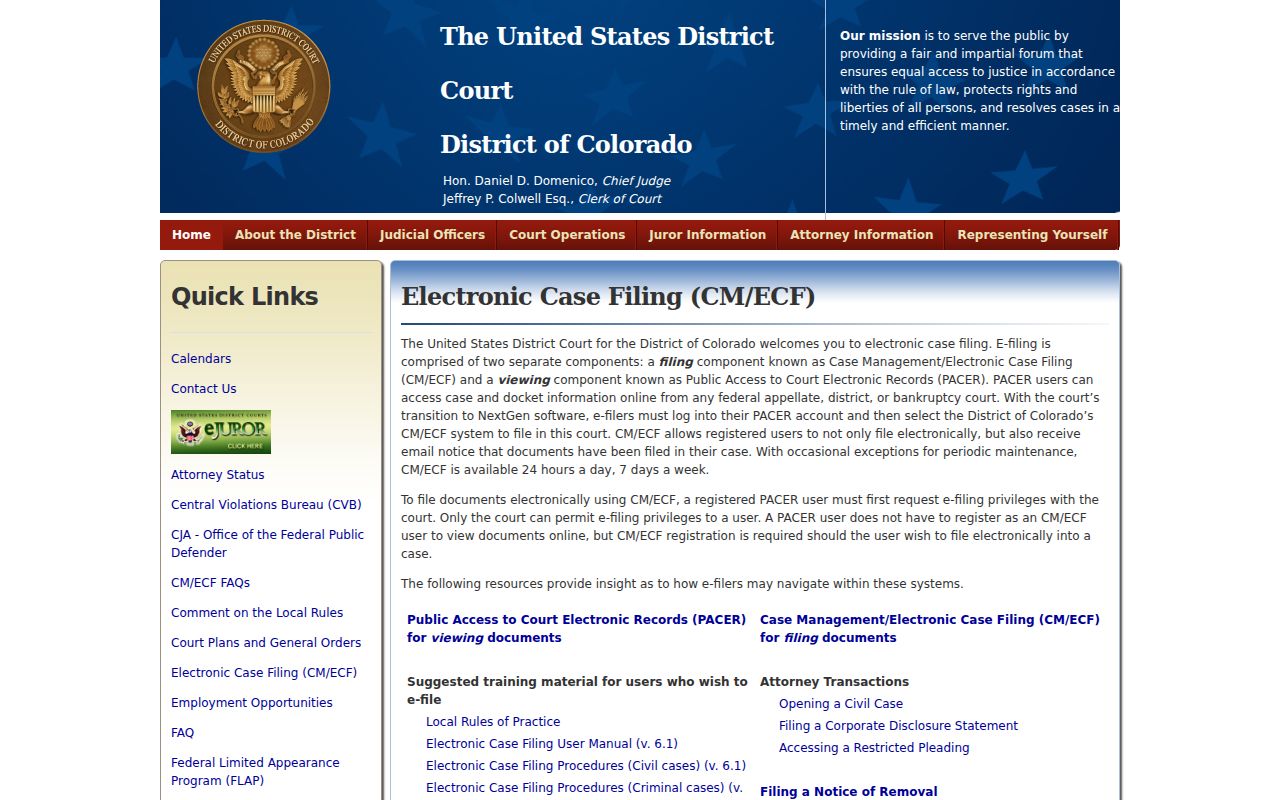
That federal page helps as a boundary marker. CM/ECF is the federal filing engine. PACER is the federal viewing path. Neither one retrieves a Dolores County civil docket filed in Colorado state court. Start with the case number and the named court, or you may pay for a search in the wrong system.
Certified federal documents come from the federal clerk. Certified state civil documents come from Dolores Combined Court. The two offices cannot authenticate each other's records.
Civil Docket Access Rules
Colorado's court-access framework lets the public inspect many state court records at reasonable times, subject to clerk rules and legal limits. Online access is narrower. Commercial vendors cover listed civil, domestic, and small-claims categories, but they do not represent all cases, provide no filed copies, and do not create the official record.
Access boundary: Chief Justice Directive 05-01 governs case-record access, while P.A.I.R.R. 2 applies to administrative Judicial Department records rather than a pleading in a named case.
Some material stays out of view. Adoption, dependency and neglect, juvenile, protected family content, addresses, and personal identifiers may be withheld or redacted, and sealed material sits outside ordinary public access as well. Treat a no-result response as a prompt, not a verdict. Check spelling and case class first, widen the date range, then ask the clerk. It is not proof that no file exists.
Dolores Combined Court offers counter service on a limited weekly schedule. Call 970-677-2258 before travel, especially from Rico. For routine records questions, use DoloresClerk@judicial.state.co.us.